Web Browsers
The Brave Browser and Privacy Preservation
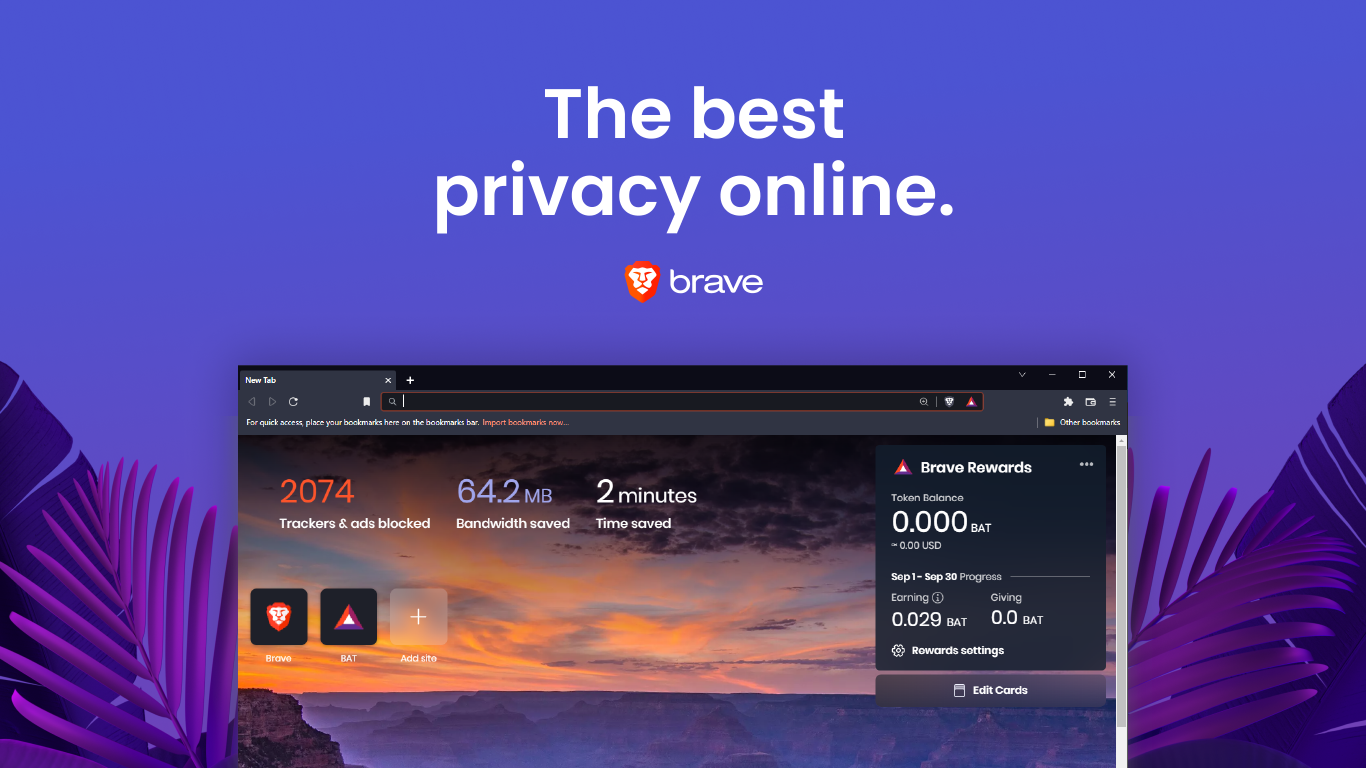
The Brave browser represents a significant shift toward user-centric privacy by integrating native ad-blocking and tracker prevention technologies. By analyzing the interface of this software, one observes a design that prioritizes speed and data conservation through the removal of intrusive scripts. The visual dashboard often displays the exact amount of time and data saved. This metric provides a numerical measure of efficiency for the individual user. I plan to apply these features to my academic research process to minimize digital distractions and protect my browsing history from third-party aggregators. This approach ensures that my academic studies remain private and that my computer resources are not wasted on unnecessary background processes. Using a browser that emphasizes security also allows me to explore various academic databases without the constant threat of malicious tracking. I will specifically utilize the shields feature to maintain a clean reading environment while I navigate information-dense websites.
Productivity and Customization in Google Chrome and Microsoft Edge
Google Chrome and Microsoft Edge demonstrate the power of the Chromium engine and its extensive library of extensions. These platforms offer a highly customizable environment where users can install a variety of tools. An example for researchers and/or college students can be for citation management and language translation. The visual layout of these browsers emphasizes a simplified navigation bar that facilitates quick access to synchronized bookmarks across multiple devices. Modern browsers facilitate data synchronization across various hardware platforms to ensure a seamless transition between different workstations. This functionality allows a researcher to maintain a consistent digital library of sources between a mobile device and a desktop computer. While Google Chrome utilizes account-based profiles to separate personal interests from academic data, Microsoft Edge offers a specific utility known as Collections. This feature allows for the categorization of web pages and images into thematic groups for more efficient retrieval during the writing process. By leveraging these synchronization and grouping capabilities, one can optimize the research workflow and minimize the time spent searching for previously discovered information.
System Integration and Energy Efficiency in Apple Safari
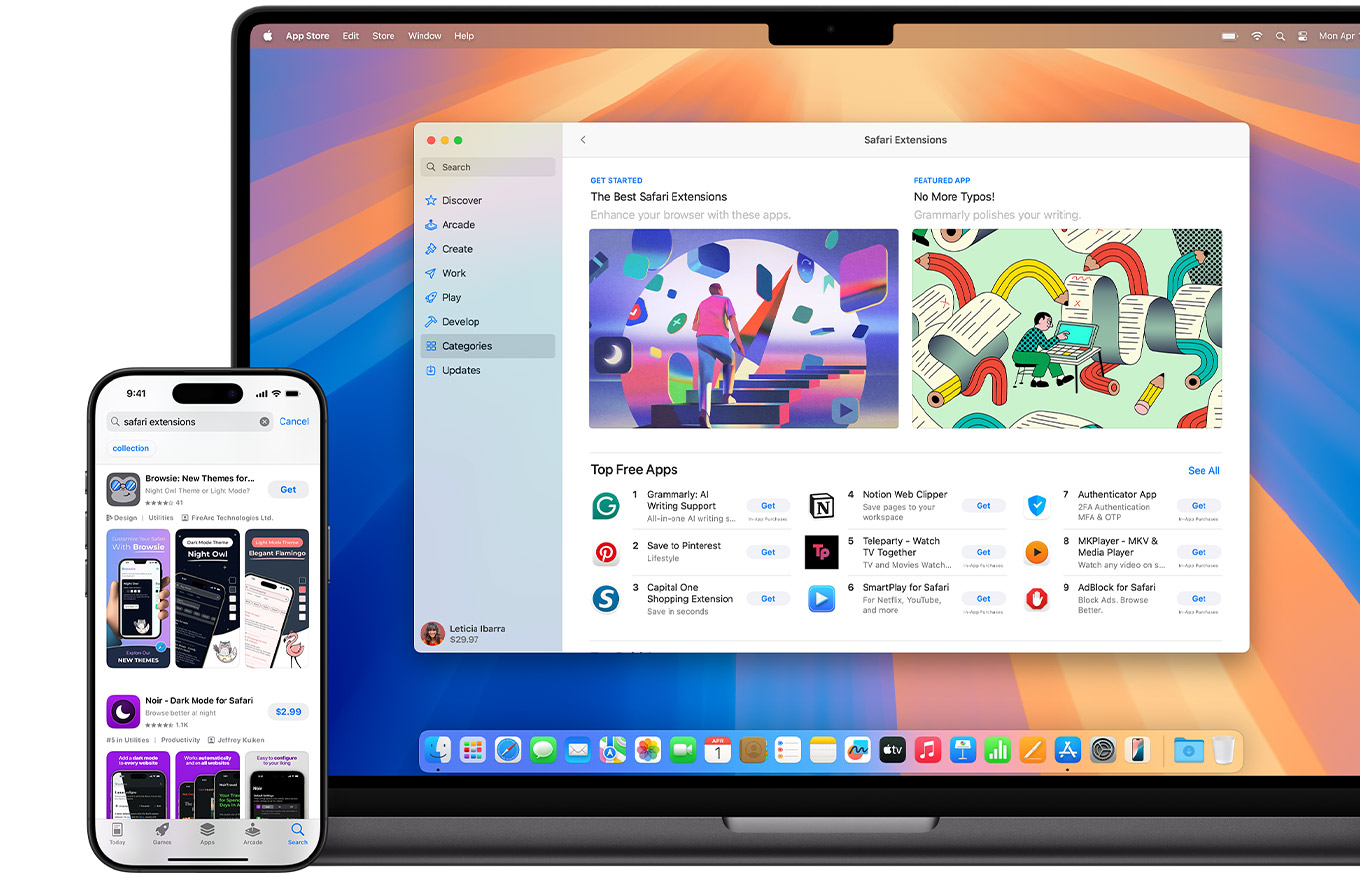
Apple Safari provides a specialized example of software optimized for specific hardware to maximize energy efficiency within the macOS and iOS ecosystems. This level of technical integration allows for superior power management compared to more generalized browsing applications. Such efficiency remains essential for researchers who conduct extensive literature reviews during long sessions without access to external power sources. The visual aesthetic of the platform further minimizes clutter to direct the focus of the user toward the core content of a webpage. One notable feature includes a dedicated reading mode that strips away formatting and advertisements to present a clean text layout. This tool proves highly beneficial for the critical analysis of dense scholarly materials as it reduces secondary distractions.